Documents for MCCQE: Complete Checklist for IMGs (2026)
Documents for MCCQE Part 1: the complete checklist IMGs need for physiciansapply.ca: source verification, certified copies, translations, and more.

On this page
- Why your documents decide your timeline, not your study plan.
- Where it all starts: physiciansapply.ca.
- The full document checklist.
- How your documents need to look.
- The order that saves you months.
- Mistakes that quietly delay IMGs.
- Key takeaways.
- Frequently asked questions.
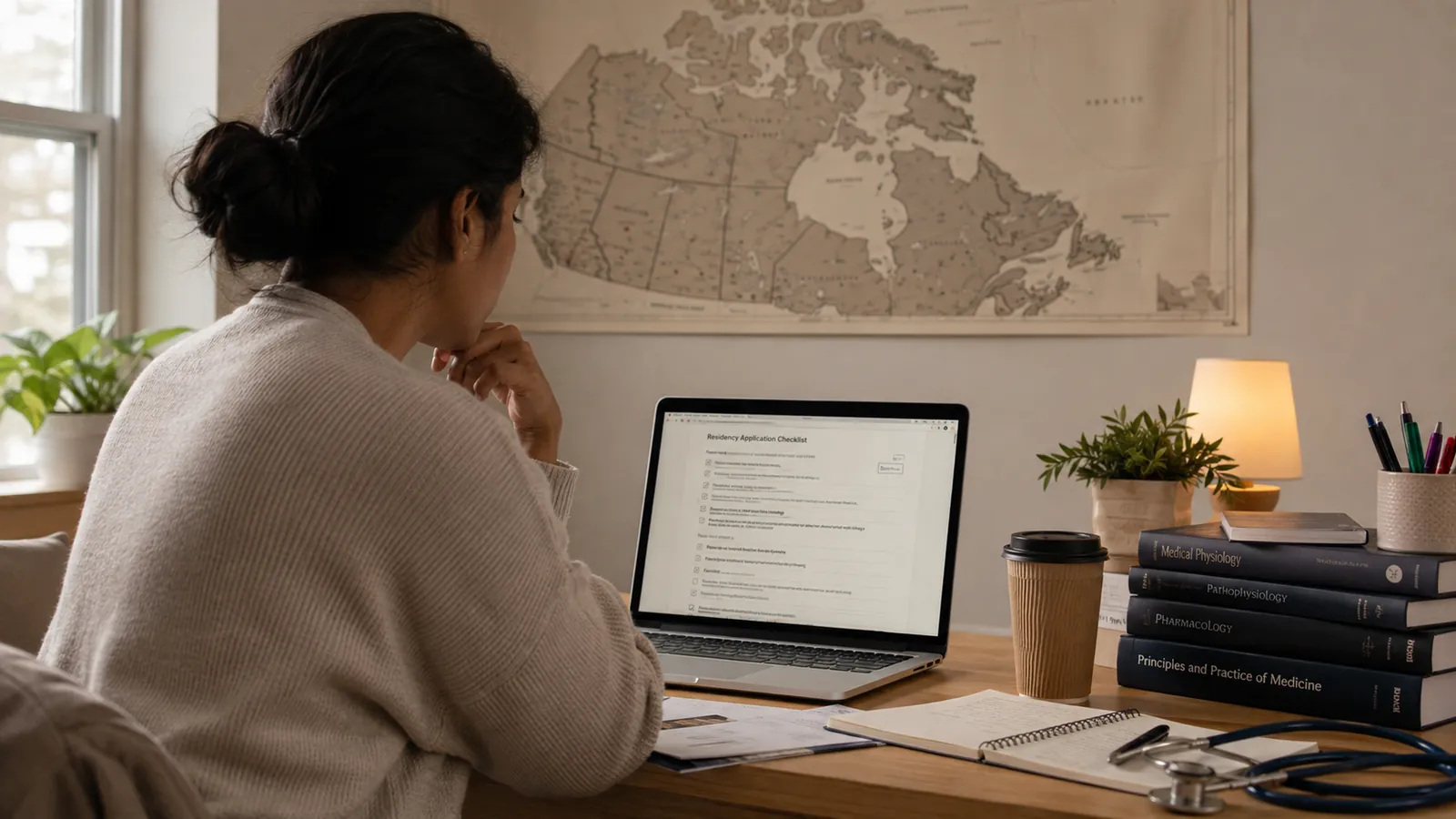
Documents for MCCQE are what most IMGs underplan. Most candidates map out their MCCQE study schedule down to the week. Far fewer plan their documents the same way. That gap is usually the real reason a session gets missed. It has nothing to do with how ready you are to sit the exam.
Here is the uncomfortable truth about the MCCQE. You can know every domain on the blueprint cold. You can still miss your exam window. Sometimes it comes down to one thing: a transcript that took too long to arrive. Documentation is not a quiet formality. For many candidates, it is the real bottleneck.
This guide lays out exactly which documents for MCCQE you need, what format they must be in, and the order to request them. Follow it closely, and paperwork never becomes the reason you wait another year.
Why your documents decide your timeline, not your study plan
Here is what usually happens. A candidate picks a target session. They build a solid study plan and start working through question banks. Meanwhile, their medical school takes eleven weeks to answer a verification request when they expected only four. By the time the paperwork clears, the session they wanted has closed.
None of that has anything to do with clinical knowledge. Instead, it comes down to documents for MCCQE moving slower than study plans do. Source verification, certified copies, and identity checks all run on their own timelines. Additionally, most of those timelines sit outside your control. So the earlier you start, the more room you leave for something to go wrong. That way, a slow document never costs you a full session.
Where it all starts: physiciansapply.ca
Every document you gather ends up in one place: your account on physiciansapply.ca. This is the Medical Council of Canada's central portal for IMGs. Your physiciansapply documents, source verification requests, and MCCQE application documents all live here.
If you have not set one up yet, do it before you gather a single document. The account itself does not cost anything to create. However, you will need it open and active before you can submit anything else.
For a broader look at what else this portal expects from you, our guide on documents needed before relocating as an IMG covers the pieces that sit outside the exam application itself, such as immigration and licensure paperwork.
The full document checklist
Here is the core MCCQE document checklist, covering the MCCQE Part 1 requirements most candidates run into. Not every item applies to every candidate, so check each one against your own situation before assuming you need it.
| Document | Why you need it |
|---|---|
| Valid passport | Primary identity document for your physiciansapply.ca account and exam day ID. |
| Medical degree certificate | Proof of graduation, submitted for source verification with your school. |
| Official transcripts | Confirms the coursework behind your degree. |
| Proof of name change (if applicable) | Needed if your documents don't all carry the same name. |
| Certified copies of identity documents | Required upload for your physiciansapply.ca application. |
| Passport-style photo | Attached to your candidate profile for identity matching. |
| Proof of current address | Used for correspondence and, where relevant, eligibility checks. |
Here is a simple way to sort your documents for MCCQE. Some prove who you are. Others prove where you trained. Keep that split in mind as you gather everything. The two groups often come from different places. They also run on different timelines.
How your documents need to look
Having the right documents for Canada medical exam applications is only half the job. The MCC is strict about the condition each document must be in. A document that looks fine to you can still get rejected on a small technical error.
- Certified, not just photocopied. Most identity and academic documents need certified true copies. This means someone authorized has confirmed the copy matches the original. The MCC will not accept a plain photocopy or phone photo.
- Translate into English or French where needed. If your original documents are not in English or French, you will need a certified translation. Attach it alongside the original. If you send only the translation, without the source document, the MCC often sends the application back.
- Consistent names across every document. If your passport says one thing and your degree certificate says another, that gap needs fixing before you apply. Even a small spelling difference counts. It's a detail that feels minor, until it adds four extra weeks to your timeline.
- Keep documents current, never expired. Passports and some identity documents must stay valid well past your exam date. It's not enough for them to be valid on the day you apply. Check every expiry date before you build your session timeline around it.
The order that saves you months
Gathering documents for MCCQE in the wrong order is one of the most common ways IMGs lose time. Here is the order that tends to work best.
- Start source verification first, always. Your medical school verifies your degree directly with the MCC. Once submitted, this step is almost entirely out of your hands. It is also the slowest part of the whole process. So begin it the moment you decide on Canada. Do this even before every other document is ready.
- Gather identity documents while verification is pending. You do not need to wait for source verification to finish first. Work on certified copies of your passport and other identity documents at the same time. Run both steps in parallel, not one after the other. That's where most of your time savings come from.
- Handle translations early if you need them. Certified translations can take several weeks. It depends on the language pair and the translator's availability. Do not leave this step until your other documents are already ready.
- Submit your application only after document approval. Wait until the MCC reviews your MCCQE application documents and accepts your degree. Only then can you move forward with scheduling.
Are you approaching this from outside Canada? Still finalizing your decision to relocate? Our guide on how Nigerian doctors relocate to Canada walks through how document prep fits into the wider relocation picture.
Mistakes that quietly delay IMGs
These are the slip-ups that turn documents for MCCQE into a lost session, and every one of them is avoidable.
- Waiting to start source verification. This is the single biggest cause of delay, and it is almost always avoidable. Start it before anything else, not after.
- Assuming a photocopy will do. Uncertified copies get rejected, and resubmitting costs you real time, not just paperwork.
- Letting name mismatches sit unresolved. If your name appears differently across documents, fix it before you submit, not after your application gets flagged.
- Missing the translation requirement. The MCC treats a translated document without the original attached as incomplete.
- Underestimating how long everything takes. Processing times are estimates, not guarantees. Build in buffer weeks. This matters most around your medical school's response time.
Key takeaways
- Documents for MCCQE, not study readiness, are what most often push IMGs into a later session.
- Everything routes through your physiciansapply.ca account, so set that up first.
- Source verification is the slowest step. Start it immediately, and run it in parallel with other document prep.
- Certified copies, matching names, and current translations are non-negotiable requirements.
- Build buffer time around every document, since processing estimates are not guarantees.
Passing the exam starts with getting your documents right. Want the full picture of what happens after the MCC accepts your application? This MCCQE Part 1 guide covers exam format and session dates. It picks up exactly where this one leaves off.
Need support along the way? Join the Sentia Telegram community for step-by-step guidance, shared question banks, and support from fellow medical students and International Medical Graduates walking the same path. → Join the Telegram community.
Frequently asked questions
What documents for MCCQE do I need for physiciansapply.ca?
You'll need a valid passport, certified copies of your identity documents, your medical degree certificate for source verification, official transcripts, and a passport-style photo. Some candidates also need proof of a name change or certified translations.
How long does source verification take?
It varies by school, but plan for several weeks at minimum. This is the step most likely to run long, so start it as early as possible rather than waiting until your other documents are ready.
Can I use a regular photocopy instead of a certified copy?
No. Most identity and academic documents require a certified true copy, confirmed by someone authorized to certify it. The MCC will not accept a standard photocopy or scanned photo.
What if my documents spell my name differently?
You'll need to resolve the inconsistency before applying, usually with a legal document showing the name change or variation. Leaving it unresolved is one of the more common causes of application delays.
Do I need to submit my documents in English?
If your original documents are not in English or French, you'll need a certified translation submitted alongside the original document, not in place of it.
Can I start my MCCQE application before source verification is complete?
Yes. You can submit your exam application once you've submitted and paid for source verification, without waiting for it to finish. That said, you'll still need approved documents before you can schedule your exam.
You'll find more IMG guides like this one at mysentia.app, along with a free, offline-first question bank built to help you study without needing Wi-Fi or a subscription.